

6 tools
For Students & teachers
Study Kit
Turn lectures and readings into notes, summaries, and practice quizzes.
Toolartisan turns meetings into notes, documents into the format you need, and rough drafts into finished work. Describe the job and we point you to the right tool.

Priya: Can we ship the pricing page by Friday?
Marc: Yes, if design lands on Tuesday.
✓ 3 action items captured
You are in the meeting, not taking notes
Leave a phone on the table. Walk out with the full transcript, a summary, and the action items.
How it works
One real job, start to finish. Every tool on Toolartisan works the same way: say what you need, add your file, take the result.
1 Describe it
Type the job in your own words. We match it to the right tool, so there are no menus to dig through.
Try the search2 Add your file
Add an audio or video file straight from your computer or phone. Nothing to install, free to try.
Open Media Transcriber3 Take the result
Every line has a speaker and a timestamp. Copy it, or download it as text or subtitles.
Same three steps on every tool
Browse all 41 toolsToolkits
Hand-picked sets of tools for the job in front of you, so you can skip the browsing and start working.
For Students & teachers
Turn lectures and readings into notes, summaries, and practice quizzes.

For Teams, podcasters & journalists
Capture every call and recording as a searchable, speaker-labelled transcript.
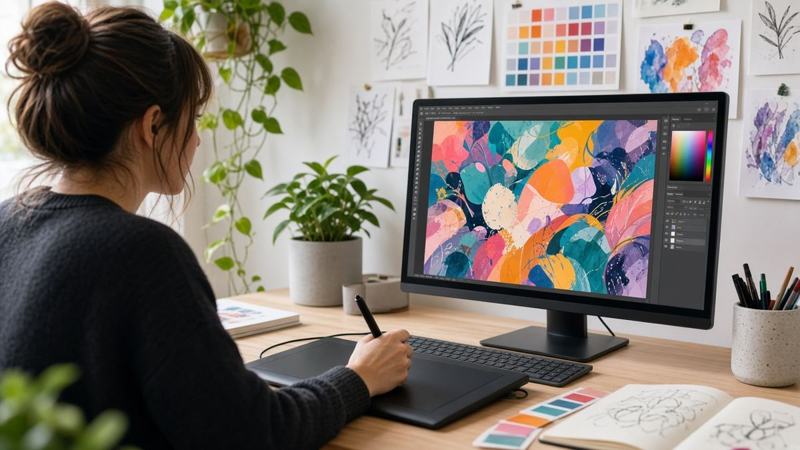
For Designers, artists & photographers
Cut out, restore, upscale, and vectorize artwork without opening a desktop editor.

For Founders, freelancers & shop owners
Bill clients, pitch ideas, and send paperwork that looks the part.
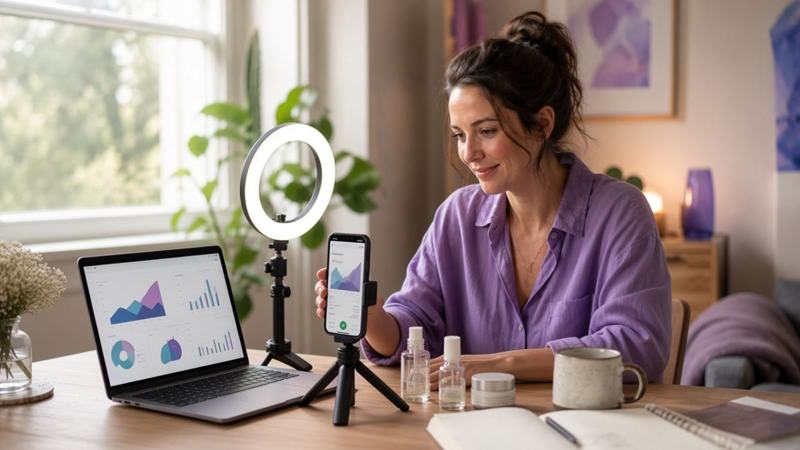
For Marketers, bloggers & SEOs
Draft posts and ads, then publish them with images and tags that load fast and rank.

For Developers & data analysts
Format, test, encode, and clean data in the browser without pasting it into random sites.
Free browser extension
Click the icon in a browser call. A live transcript fills the side panel, key points and action items show up while people are still talking, and full notes are ready the moment the call ends.
Free for Chrome, Edge, Brave, Opera, Arc. Uses the same account and plan as the website. Install it from a computer.